
Accurate Captions, Fully Automated, at Any Scale
Generate rich descriptions for images and video frames. Choose from short, normal, or long captions to match your use case—from quick labels to detailed descriptions.
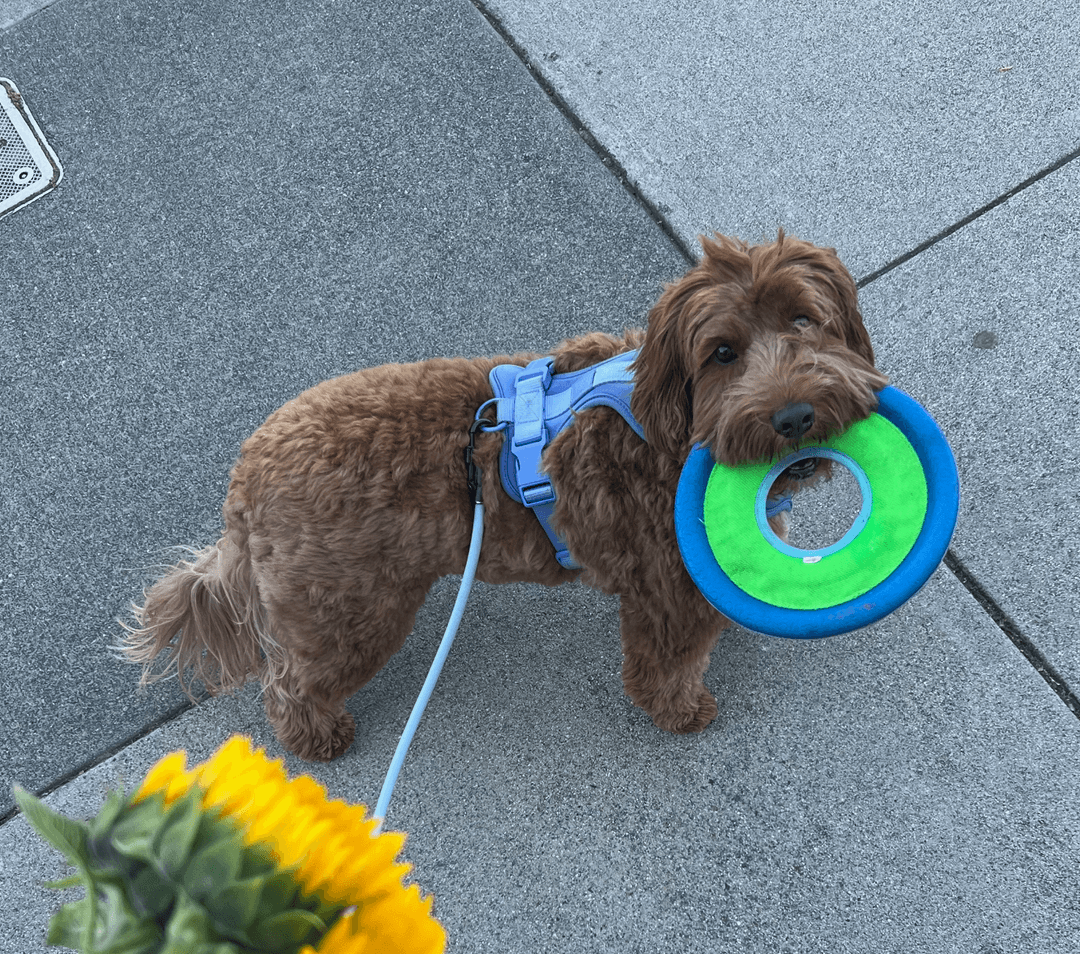
A brown dog holds a frisbee on a sidewalk next to yellow flowers.
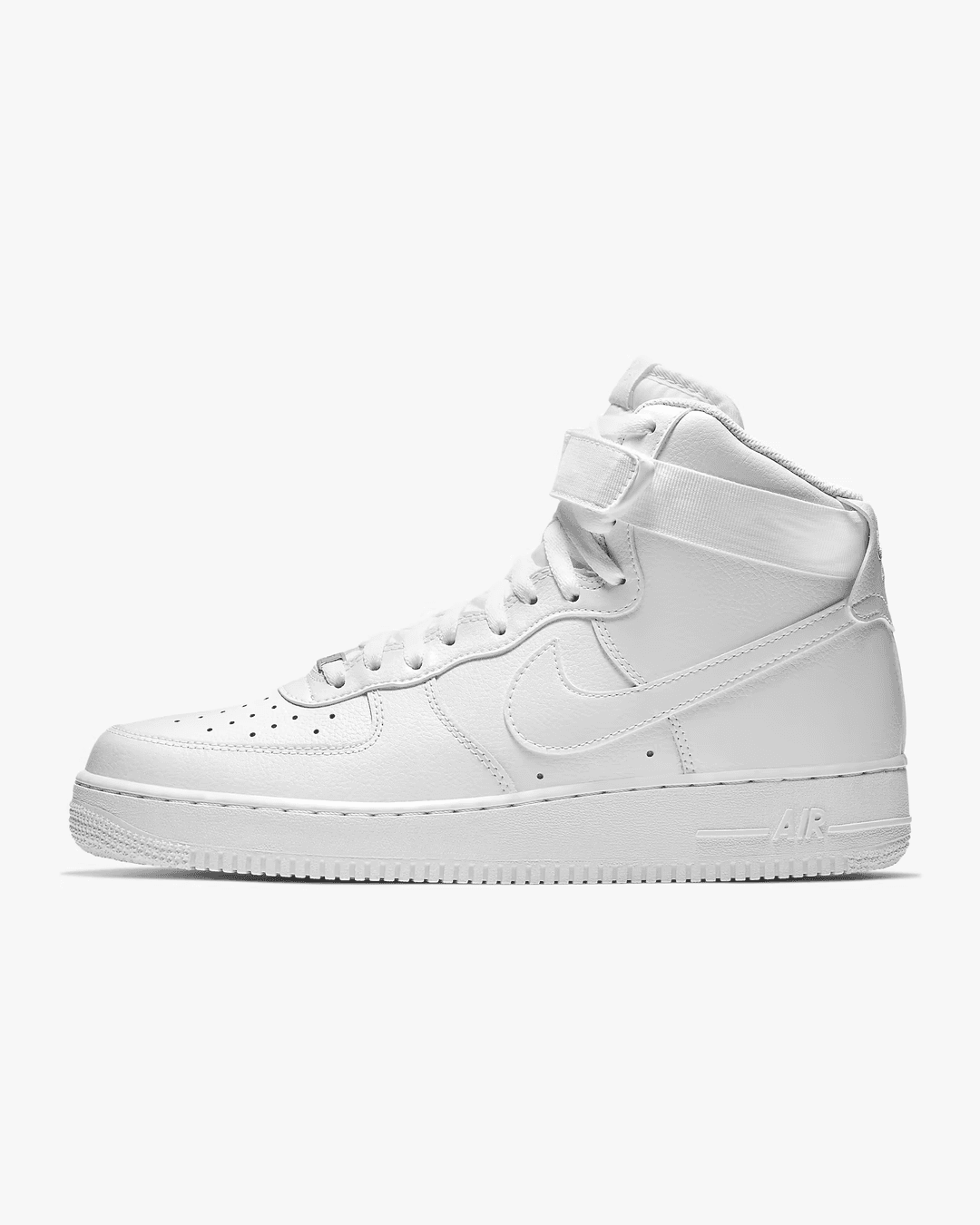
A white Nike Air Force 1 high-top sneaker photographed against a plain background. The shoe features the classic Air Force 1 silhouette with a perforated toe box, padded ankle collar, and the iconic Nike Swoosh logo on the side. The thick white rubber sole and clean leather upper give it a timeless streetwear aesthetic.
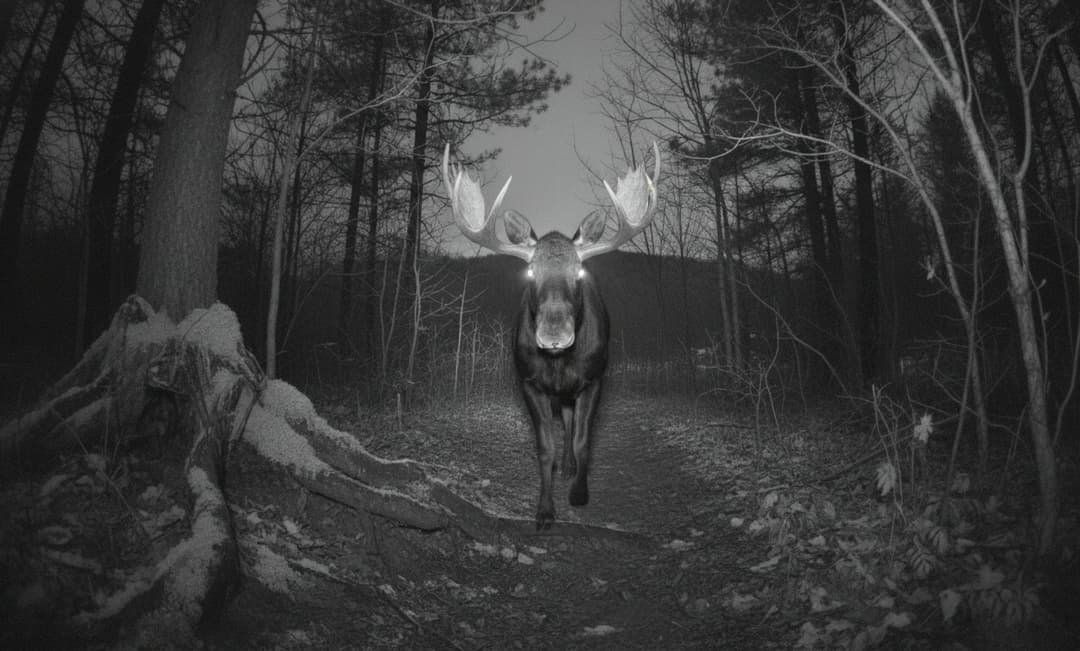
A moose with large antlers walks on a dirt path in a forest.
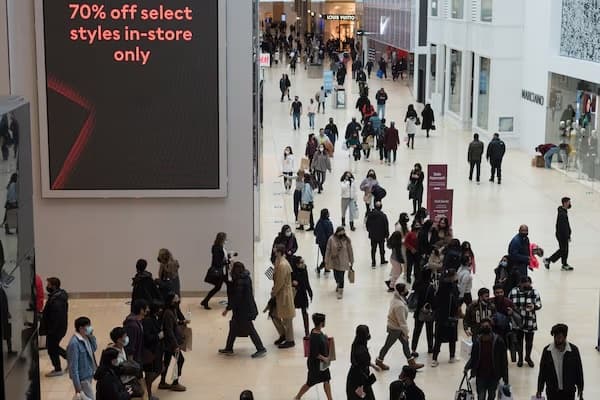
A bustling airport terminal interior captured from an elevated perspective, showing travelers navigating through a spacious concourse. The architecture features a dramatic vaulted ceiling with exposed structural beams and large glass panels allowing natural light to flood the space. Multiple departure gates line both sides of the terminal, with digital flight information displays visible above each gate. Travelers of various ages pull rolling luggage while others rest on rows of connected seating. The polished floor reflects the overhead lighting, creating a sense of depth and movement. In the background, retail shops and food vendors are visible along the terminal walls. The scene captures the organized chaos of modern air travel during what appears to be a peak travel period.
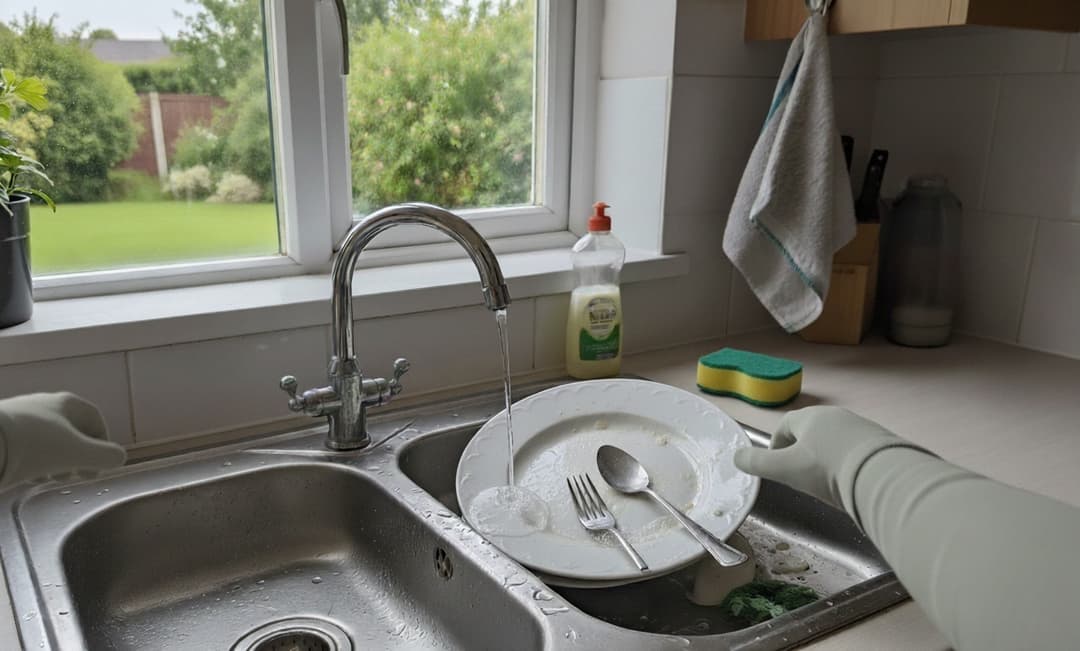
A kitchen counter viewed from above showing a stainless steel sink containing dirty dishes. Various plates, bowls, and utensils are stacked in the sink basin. The surrounding countertop is light-colored with some water spots visible. A faucet with a chrome finish is positioned at the back of the sink.
A brown dog holds a frisbee on a sidewalk next to yellow flowers.
A white Nike Air Force 1 high-top sneaker photographed against a plain background. The shoe features the classic Air Force 1 silhouette with a perforated toe box, padded ankle collar, and the iconic Nike Swoosh logo on the side. The thick white rubber sole and clean leather upper give it a timeless streetwear aesthetic.
A moose with large antlers walks on a dirt path in a forest.
A bustling airport terminal interior captured from an elevated perspective, showing travelers navigating through a spacious concourse. The architecture features a dramatic vaulted ceiling with exposed structural beams and large glass panels allowing natural light to flood the space. Multiple departure gates line both sides of the terminal, with digital flight information displays visible above each gate. Travelers of various ages pull rolling luggage while others rest on rows of connected seating. The polished floor reflects the overhead lighting, creating a sense of depth and movement. In the background, retail shops and food vendors are visible along the terminal walls. The scene captures the organized chaos of modern air travel during what appears to be a peak travel period.
A kitchen counter viewed from above showing a stainless steel sink containing dirty dishes. Various plates, bowls, and utensils are stacked in the sink basin. The surrounding countertop is light-colored with some water spots visible. A faucet with a chrome finish is positioned at the back of the sink.
Rich descriptions, no prompts required
Process millions of images with sub-400ms latency. Three length options—short, normal, and long—let you balance speed and detail for any workflow.
Whether you're labeling a media library, generating training data, or building accessibility features, Moondream Caption delivers consistent quality at scale without breaking the bank.
Built for production use cases
Same API, endless applications. See Image Captioning across different domains.
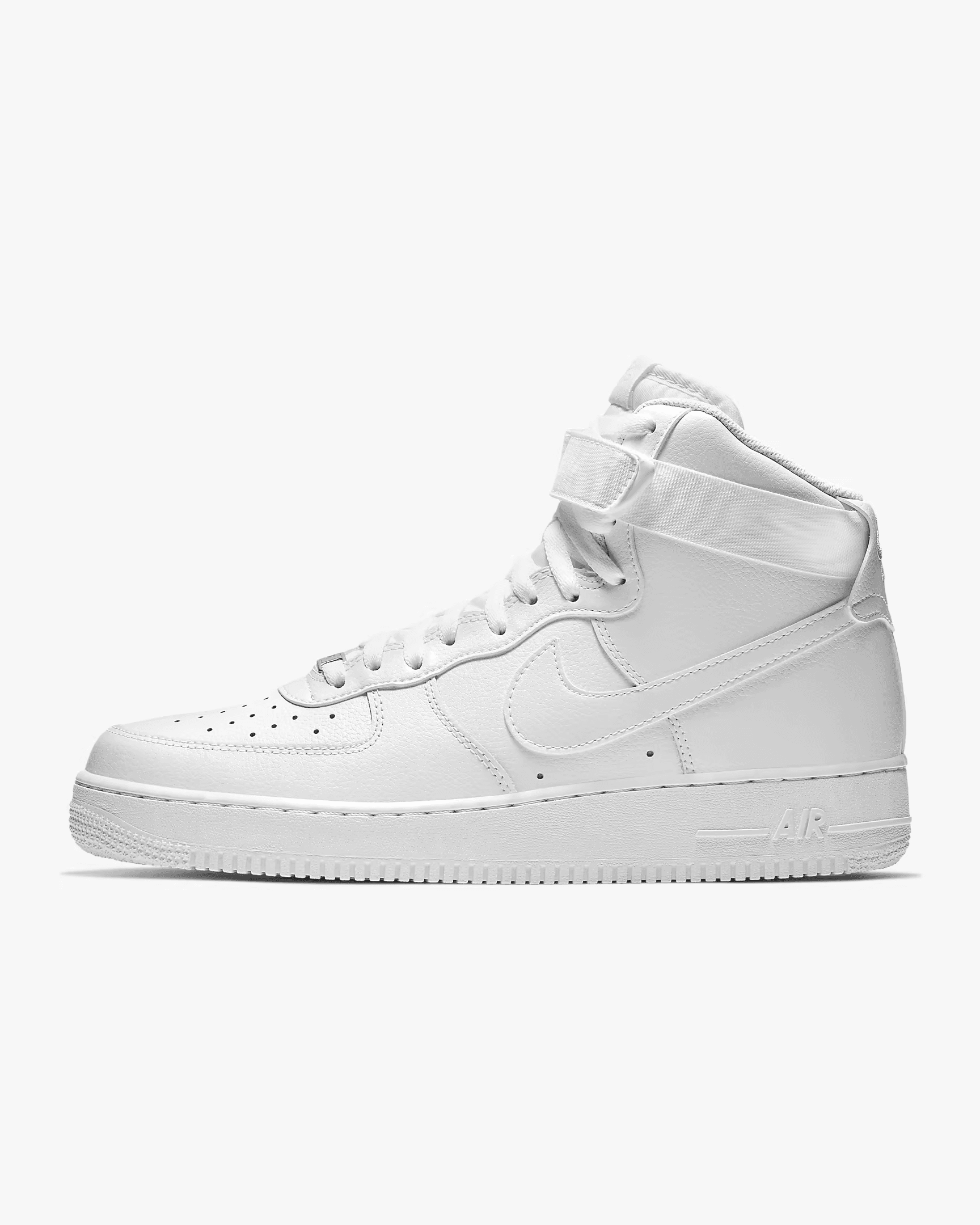
White Nike Air Force 1 high-top sneaker with classic design.
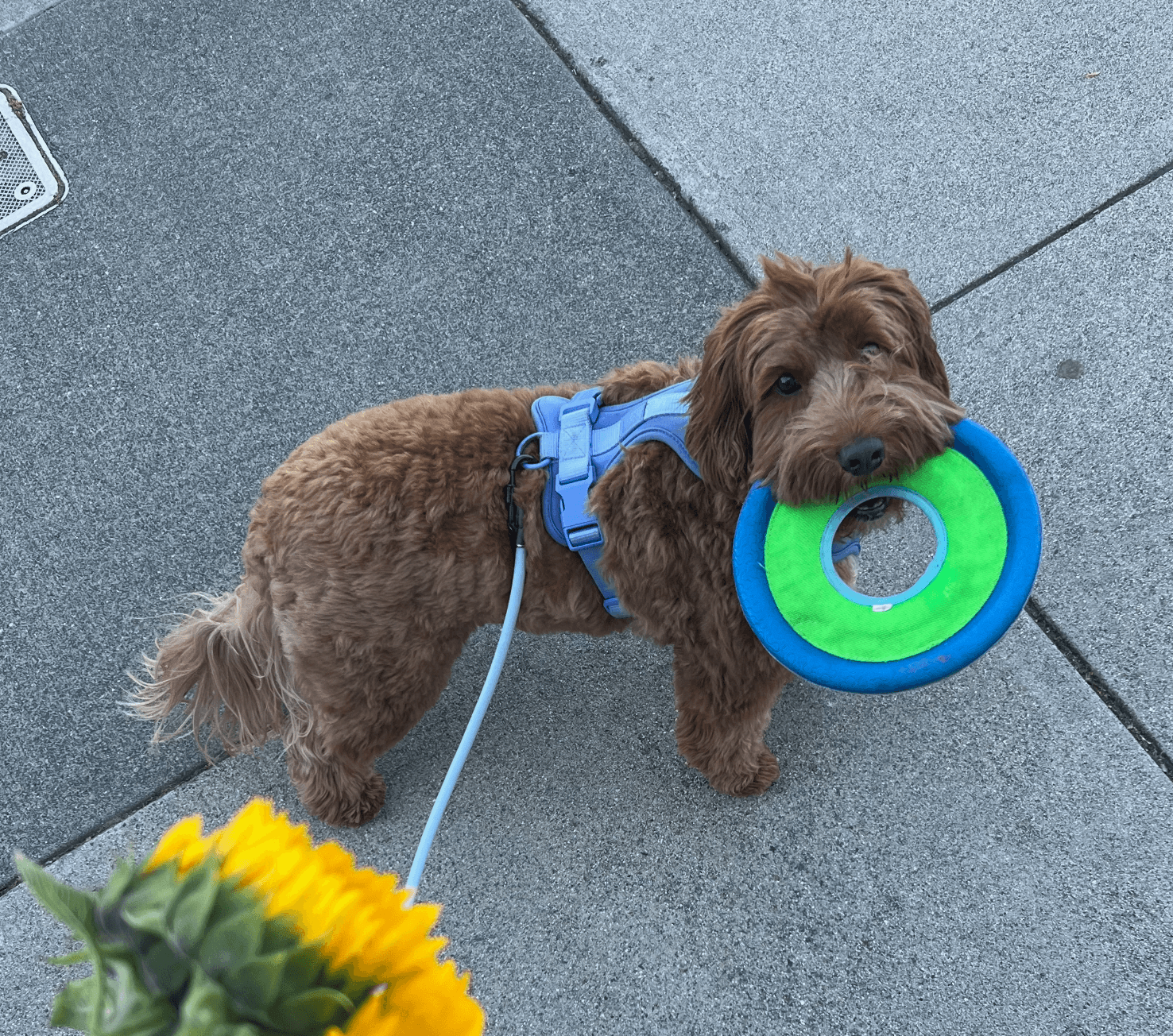
A brown dog wearing a blue harness and leash holds a green and blue frisbee in its mouth while standing on a gray sidewalk. A bouquet of yellow flowers is visible nearby, adding a splash of color to the scene.
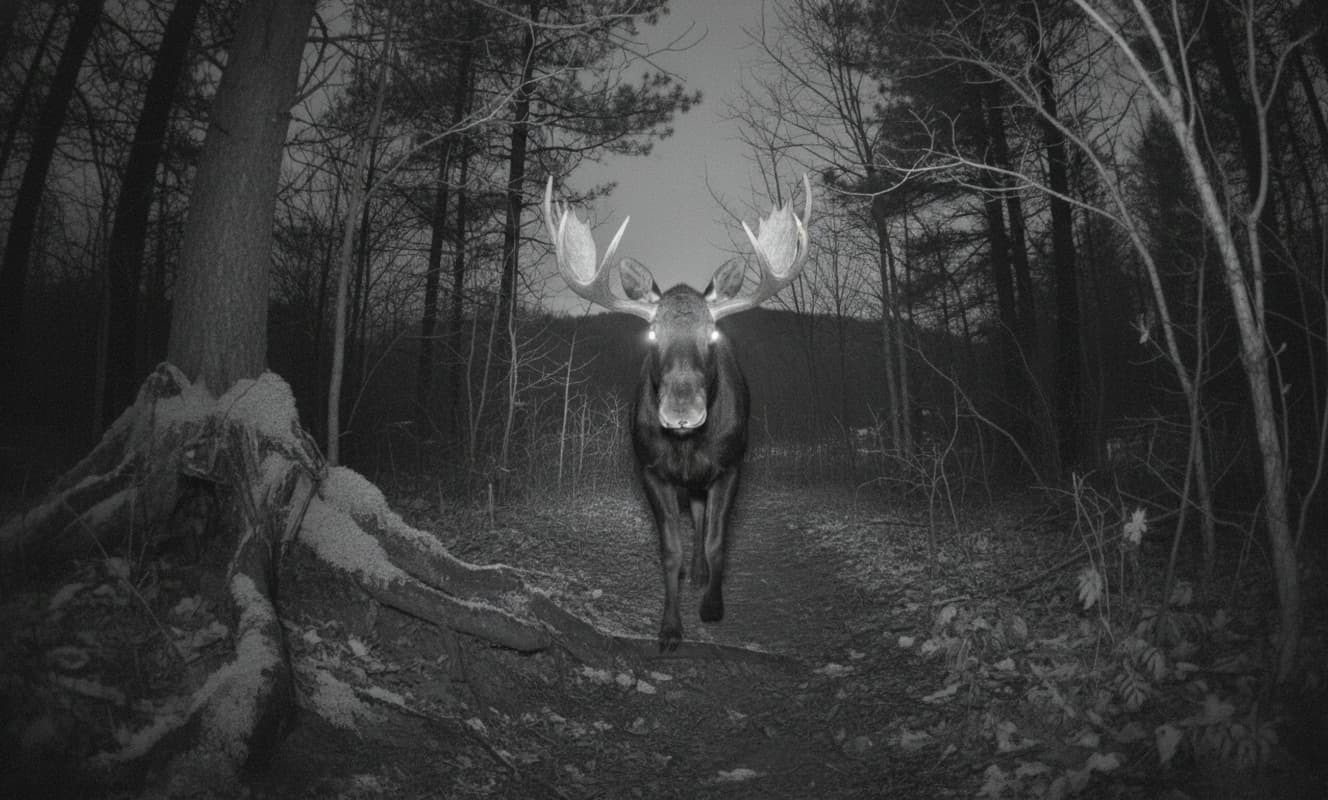
A moose with large antlers walks on a dirt path in a forest.
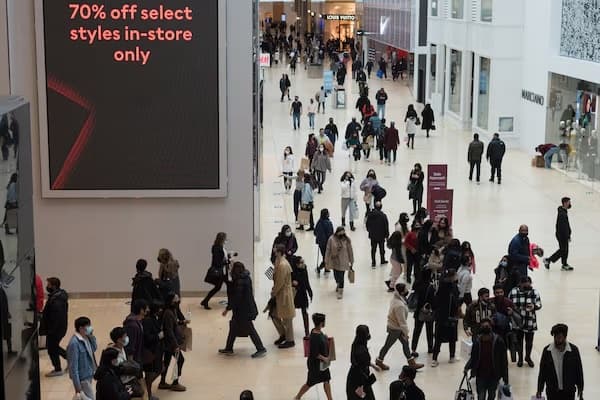
A bustling airport terminal interior captured from an elevated perspective, showing travelers navigating through a spacious concourse. The architecture features a dramatic vaulted ceiling with exposed structural beams and large glass panels allowing natural light to flood the space. Multiple departure gates line both sides of the terminal. Travelers of various ages pull rolling luggage while others rest on rows of connected seating. The polished floor reflects the overhead lighting.
How captioning works
Upload an image and choose your caption length: short for fast labels, normal for balanced detail, or long for comprehensive descriptions.
A brown dog wearing a blue harness and leash holds a green and blue frisbee in its mouth while standing on a gray sidewalk. A bouquet of yellow flowers is visible nearby, adding color to the urban scene.
Output

{
  "caption": "A brown dog wearing a blue harness and leash holds a green and blue frisbee in its mouth while standing on a gray sidewalk. A bouquet of yellow flowers is visible nearby, adding color to the urban scene."
}
Code
import moondream as md
from PIL import Image

# Initialize with API key
model = md.vl(api_key="your-api-key")

# Load your image
image = Image.open("photo.jpg")

# Short caption (~25 words) - fast labels
short = model.caption(image, length="short")
print(short["caption"])

# Normal caption (~80 words) - balanced detail
normal = model.caption(image, length="normal")
print(normal["caption"])

# Long caption (~180 words) - comprehensive
long = model.caption(image, length="long")
print(long["caption"])